
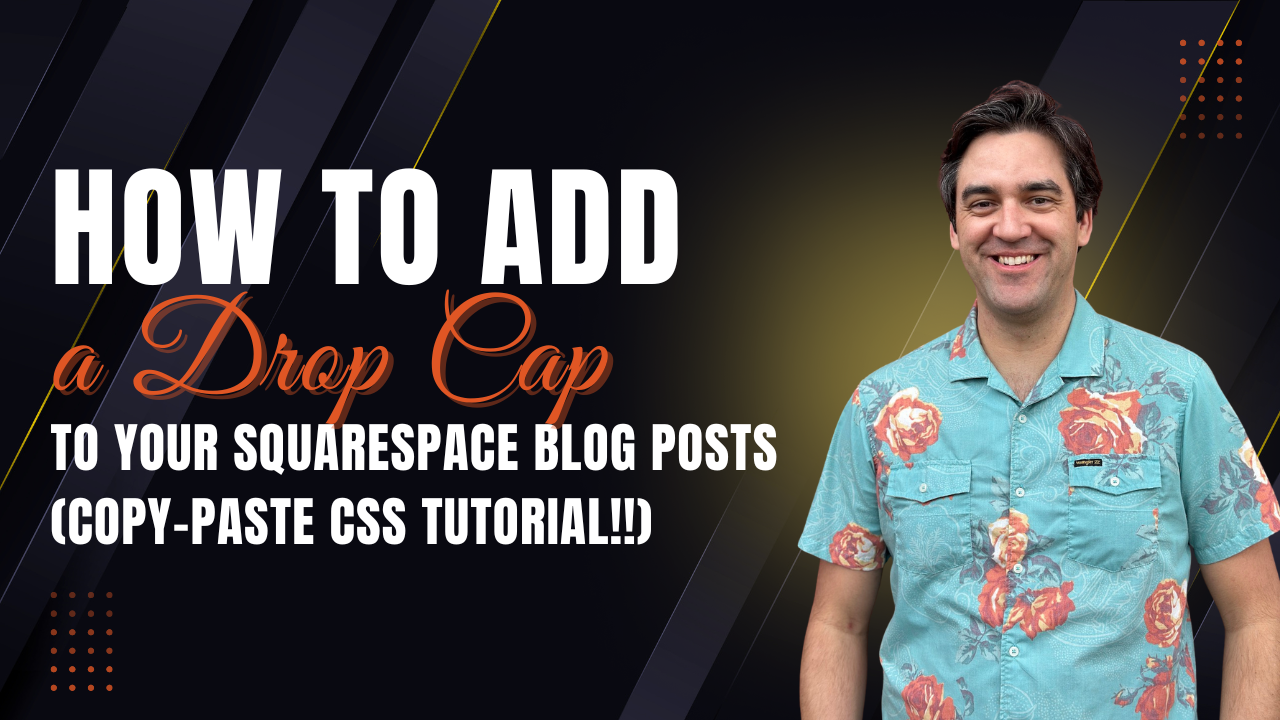
How to Add a Drop Cap to Your Squarespace Blog Posts (Simple Copy-Paste CSS Tutorial)
If you’ve ever read a magazine or long-form editorial piece, you’ve probably noticed the large, stylized first letter at the beginning of the article. That’s called a drop cap, and it’s a classic design technique that guides the reader’s eye and adds a polished, professional look to your content.
The good news? You can add a drop cap to your Squarespace 7.1 blog posts with just a few lines of CSS — no coding experience required.
In this quick tutorial, I’ll walk you through exactly how to install it and customize it to match your brand.
Watch the Video 👇
What Is a Drop Cap?
A drop cap is a decorative, oversized first letter that “drops” into the first few lines of your paragraph. It creates a bold visual starting point and adds an editorial feel that you’d normally see in print newspapers, magazines, or premium online publications.
Using a drop cap in your blog posts can:
Elevate the overall design of your content
Create a strong visual hook at the start of your article
Add a more professional, magazine-style layout
Improve readability by clearly signaling where the story begins
How to Add a Drop Cap in Squarespace 7.1
Adding a drop cap in Squarespace is as simple as copying and pasting CSS into your Design panel.
Here’s the code:
/* ================================
Drop Cap for First Letter in Blog Posts
Squarespace 7.1
================================ */
.blog-item-wrapper .blog-item-content p:first-of-type::first-letter {
font-size: 8.2em;
font-weight: 700;
float: left;
line-height: 85px;
padding-top: 10px;
padding-right: 15px;
padding-left: 3px;
margin-left: 0px;
color: #000;
font-family: var(--heading-font-font-family, serif);
}
Final Thoughts
A drop cap is a small design touch that can make a big visual impact on your Squarespace blog. With just a few lines of CSS, you can create a bold, editorial-style layout that feels more polished and professional — and it works seamlessly across all your posts.
If you want additional blog styling tutorials, CSS enhancements, or help elevating your Squarespace design, be sure to reach out. I’m always happy to help you take your website from a yip to a howl.
🚀 Need Help with Your Squarespace Site?
At Coyote Moon Creative, I help business owners turn Squarespace sites into powerful, high-converting platforms. If you’d like support with your site — whether it’s a new build, a redesign, or a cleanup — let’s talk.
📨 Get in touch here → https://www.coyotemooncreative.com/contact
🔔 And don’t forget to subscribe to my YouTube channel for more practical Squarespace design tips.
Newsletter Signup
Sign up for my newsletter to receive detailed Squarespace design tutorials delivered to your inbox monthly. Get practical Squarespace design tips, as well as digital marketing strategies to grow your online business.
Want More?




Learn how to properly justify content within the container space of a Squarespace Text Block with this step-by-step tutorial.








Discover the secrets to seamless template changes in Squarespace 7.0 & 7.1. Get a fresh look hassle-free. Contact me now!
 Travis Vance
Travis is a seasoned Squarespace pro with over 8 years of experience helping SMBs, entrepreneurs, and eCommerce merchants win more business online.